Tesla App Plans Immersive Powerwall View and More Vehicle Controls
Tesla is expanding its tablet app layout, with an immersive Powerwall view due in a few weeks and a Mac app planned for later.
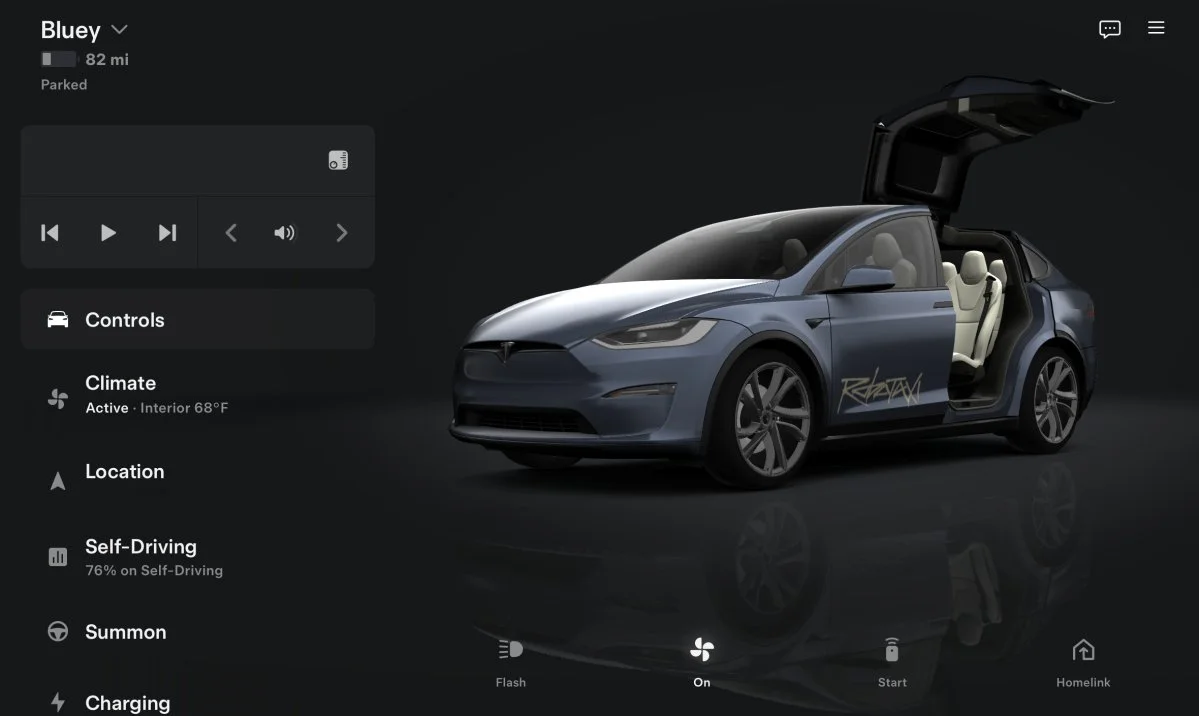
Tesla’s app is moving toward a closer match with the screens inside its cars. The latest large-screen redesign adds richer vehicle visuals, while app lead Alex Guichet says an immersive Powerwall view is expected in a few weeks and a Mac app is on the team’s longer-term list.
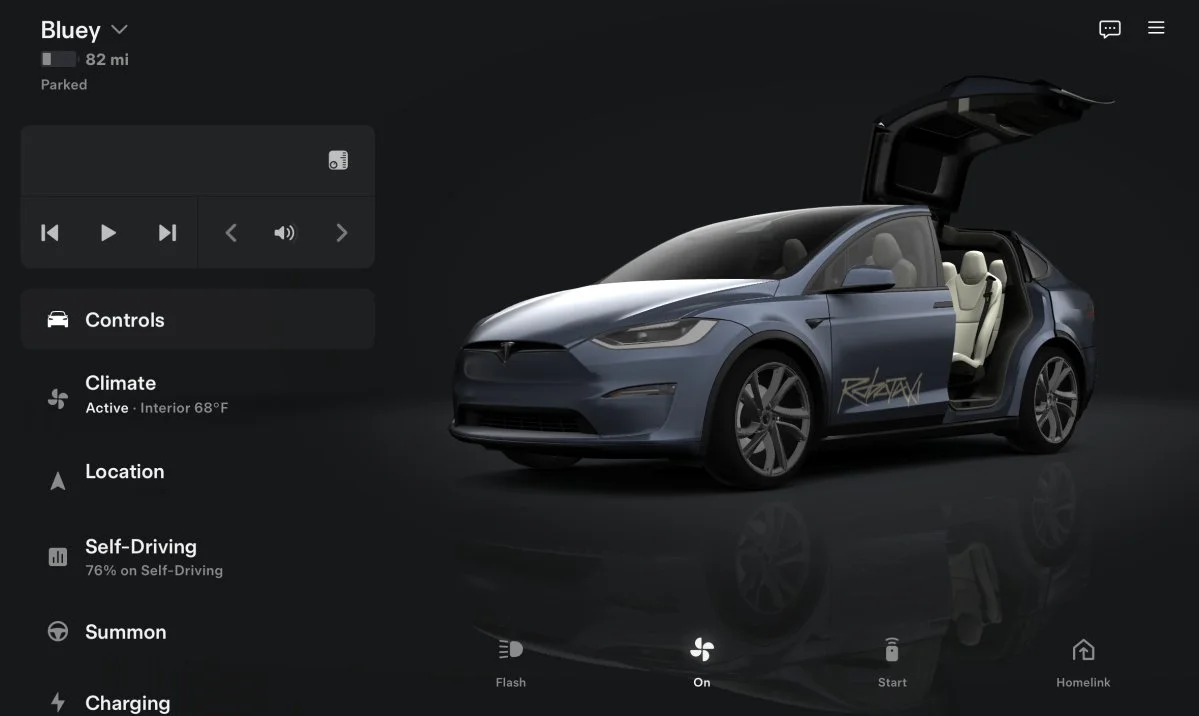
That direction matters because a vehicle app is most useful when it can handle more than remote lock and climate commands. Tesla’s stated aim is to bring the in-car screen experience to a personal device, with more of the vehicle’s visual interface and functions available away from the cabin. The tablet update is an early step; the next test is whether Tesla extends that treatment to everyday controls and energy products.

Tablet redesign brings the car view forward
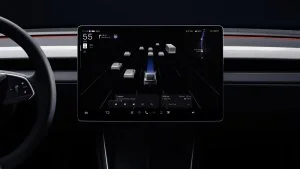
The refreshed layout is rolling out for iOS and iPadOS, including iPads and the iPhone Duo. On larger displays, the vehicle image now has ambient lighting and reflections, and the frunk and trunk controls sit on the illustrated car. That arrangement echoes the parked vehicle view shown on Tesla’s in-car display.
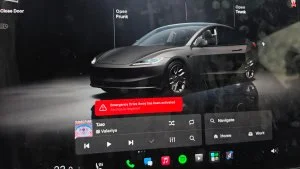
The visual direction draws on Tesla’s vehicle graphics, which the source says run on Unreal Engine. The company has also used 3D models in themed features such as Santa Mode and Halloween Mode. Bringing more of that graphical language into the app could make remote interaction feel less like managing a list of buttons and more like using a second screen for the car.
For now, the enhanced presentation is limited to larger-screen layouts. Android tablet and foldable users are still waiting for the major update, so availability across devices is not yet uniform. That matters in practice: a redesigned interface has limited value to owners whose devices have not received it, and the larger layout’s visual details may not translate directly to a phone-sized screen.
Vehicle controls remain an opportunity
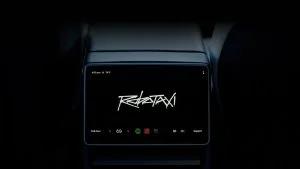
The redesign also puts a spotlight on what the app can do beyond showing the vehicle. Music controls are one clear gap. The current app allows users to pause playback, skip tracks and change volume, but it does not let them choose the audio source or select what plays. The Robotaxi app has more detailed media controls, offering a reference point for what a fuller set of options could look like.
Destination entry is another area that could be brought closer to the in-car experience. The source does not describe a confirmed change here; it frames better destination selection as a hoped-for improvement. Still, the comparison is practical: owners may want to send an address to the car from their phone, while a more complete workflow could make that task feel consistent with route selection in the vehicle.
Guichet described the broader goal on X as making the app feel as though “your car’s screen is on your own screen.” That points to a product strategy built around continuity between the car and the device, rather than treating the app as a separate remote-control panel. More vehicle information, richer graphics and expanded media or navigation controls would all support that approach, though the source confirms no release timing for those possible additions.
Powerwall view is the near-term addition
For Tesla Energy customers, the clearest upcoming feature is an immersive Powerwall view. Guichet said it should arrive in a few weeks. The feature missed the main app release so the team could complete final polish, and he characterized it as coming shortly afterward.
The source offers no detail on what the new view will display or which Powerwall functions it will include. Its significance is the extension of the app’s visual redesign from vehicle management to home energy. A more immersive presentation could give owners a dedicated way to inspect their Powerwall setup, but the exact information and controls will become clear only when Tesla releases it.
Mac app has no set timetable
A native Mac app is also on Guichet’s list, though he gave no launch window beyond “at some point.” Until then, Apple’s iPhone Mirroring feature can bring the Tesla app onto a Mac, providing a temporary way to use the phone app from the computer.
That workaround offers access, but it does not establish what a dedicated Mac version would look like or whether it would use a desktop-specific layout. Tesla has already adapted the app for tablets and foldables, so a native Mac release would be another step in extending the same interface across screen sizes. For now, owners should treat it as a future possibility rather than a dated product commitment.
More refinement ahead
Guichet says the team continues to consider ways to improve the app, with future updates and polish planned. The current changes show the direction: make the vehicle view more expressive on large displays, then extend the experience to Powerwall and potentially desktop use.
The near-term milestones are relatively clear: the immersive Powerwall view is expected within weeks, while the Mac app has no stated schedule. Expanded music and destination controls remain potential improvements rather than confirmed features. For drivers, the key measure will be whether Tesla pairs its richer visuals with controls that make common tasks easier to complete from the device already in hand.