Tesla FSD v14.3.13 and v14.3 Lite Add Driving, Parking and Charging Features
Tesla’s update brings broad FSD changes, new HW3 parking controls, Supercharger site maps and seasonal features, with availability varying by hardware.
Tesla’s 2026.38.5.10 update pairs a wide set of Full Self-Driving (Supervised) changes with practical additions for charging, parking and cabin controls. The biggest split is by computer hardware: FSD v14.3.13 targets HW4 vehicles, while v14.3 Lite brings a separate set of capabilities to HW3. Model support also varies by feature, so the update’s headline additions won’t reach every Tesla in the same way.
FSD updates split across HW4 and HW3
On HW4, FSD (Supervised) v14.3.13 updates both the driving model and the software that runs it. Tesla says the revised reinforcement learning stage improves performance across a wide range of driving situations. A new vision encoder is intended to improve interpretation of rare or low-visibility scenes, 3D geometry and traffic signs. Tesla also rewrote the AI compiler and runtime using MLIR, which it says cuts reaction time by 20% and speeds up model iteration.
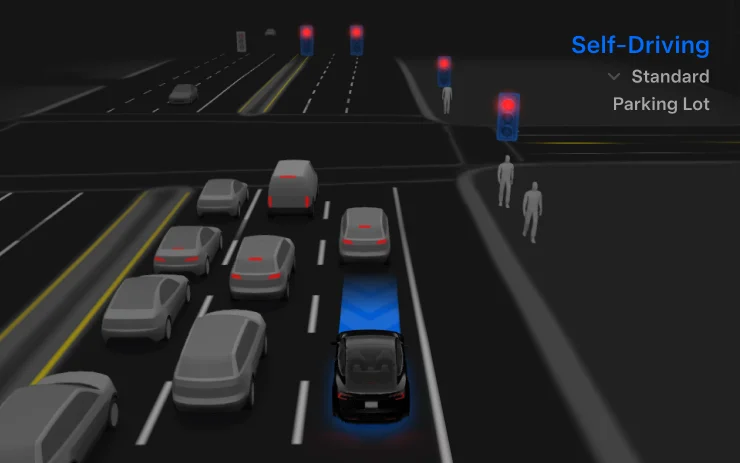
The release notes describe changes aimed at both everyday comfort and less common situations. They cite reduced unnecessary lane bias and minor tailgating, more decisive parking choices, and a revised parking-location prediction shown on the map with a P icon. Tesla also says FSD responds better to emergency vehicles, school buses, vehicles that violate right of way, small animals and unusual objects that extend into the vehicle’s path.
At intersections, training on challenging fleet examples is meant to improve responses to compound traffic lights, curved roads and yellow lights. The system is also intended to recover from temporary performance degradation without driver intervention, reducing unnecessary disengagements. Driver monitoring gains revised eye-gaze tracking, better handling of eyewear and greater accuracy in changing light.
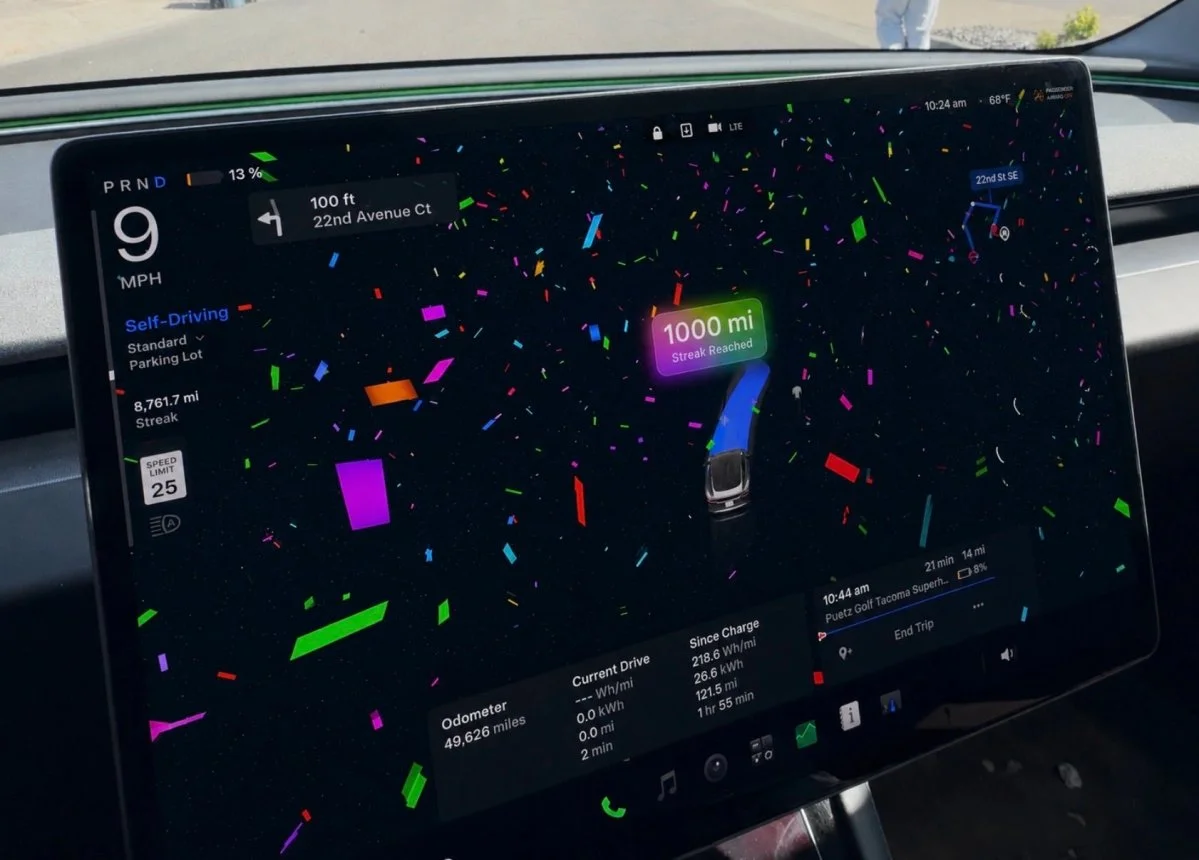
Tesla says Actually Smart Summon, FSD and Robotaxi now share a unified model. Drivers can select an intervention reason on the main screen after taking over. The Self-Driving App also shows distance traveled without an intervention and the longest such streak, while parking choices appear on the map at the destination. The company lists broader reasoning beyond destination handling and pothole avoidance as future improvements; neither is described as part of the current feature set.
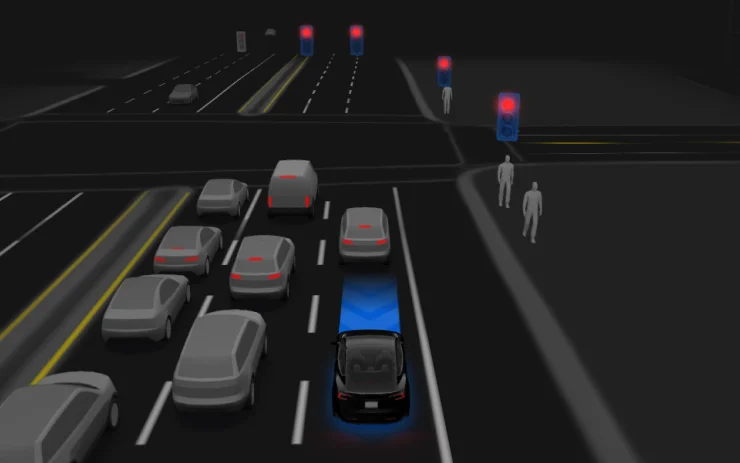
FSD (Supervised) remains a driver-supervised system. Tesla says it can start from a parked position, follow navigation through lane changes and junction choices, steer around vehicles and objects, make turns and park. The driver must stay attentive and be ready to take control. On supported HW4 vehicles, activation is available through the on-screen Start Self-Driving control or a press of the right scroll-wheel button; the feature can be disabled in Autopilot Settings.
HW3 gets Lite, parking and speed controls
FSD v14.3 Lite brings selected HW4 model behavior to HW3. Tesla says it distilled HW4 v14’s learned capabilities into the older hardware, including reinforcement-learning improvements and offline models. The release notes cite better responsiveness in navigation, merges, forks, pedestrian interactions, traffic lights and vehicle cut-ins, alongside fewer false slowdowns, smoother steering and more consistent lane centering.
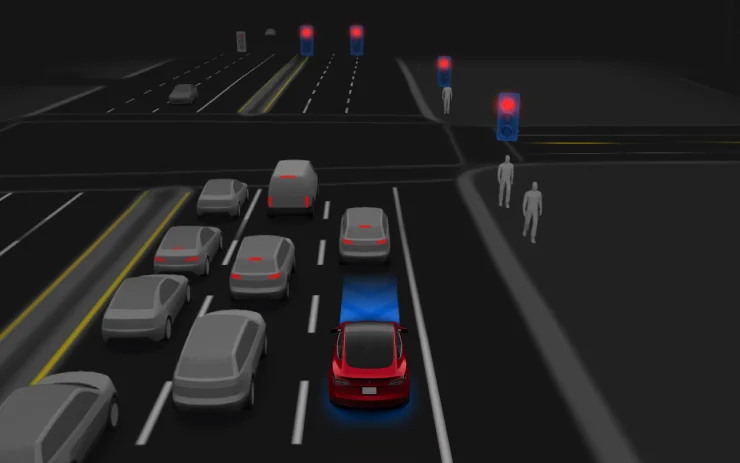
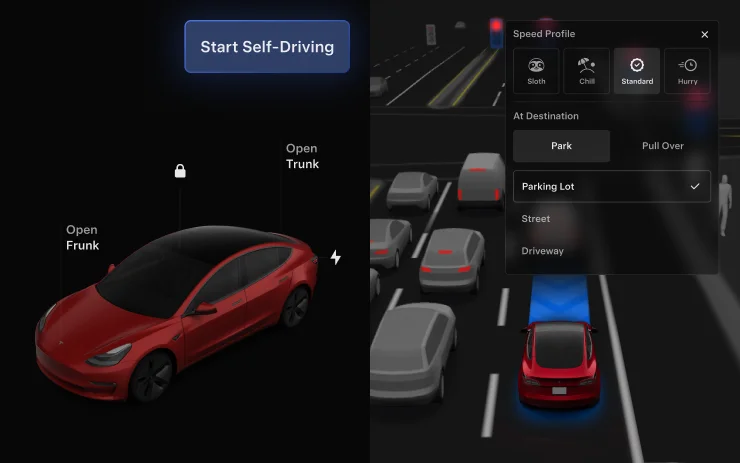
For HW3, the practical expansion is substantial: FSD gains parking, unparking and reversing. Drivers can choose an arrival type—Parking Lot, Street or Driveway—and those preferences, along with preferred parking positions, are saved for each destination. A separate arrival-options description also lists Pull Over for Robotaxi-style drop-offs.
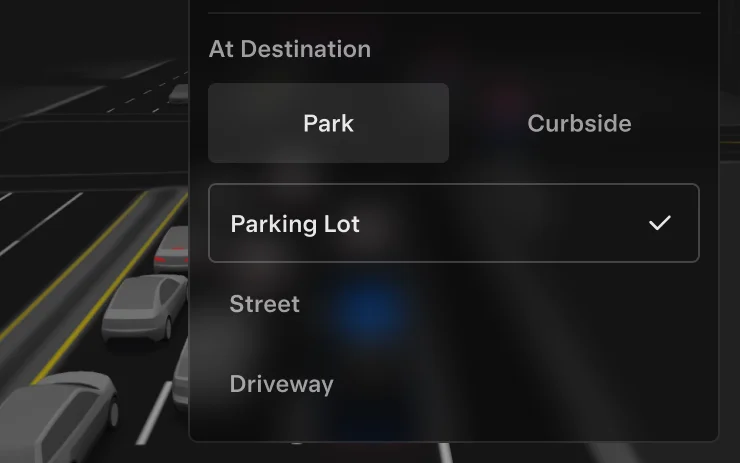
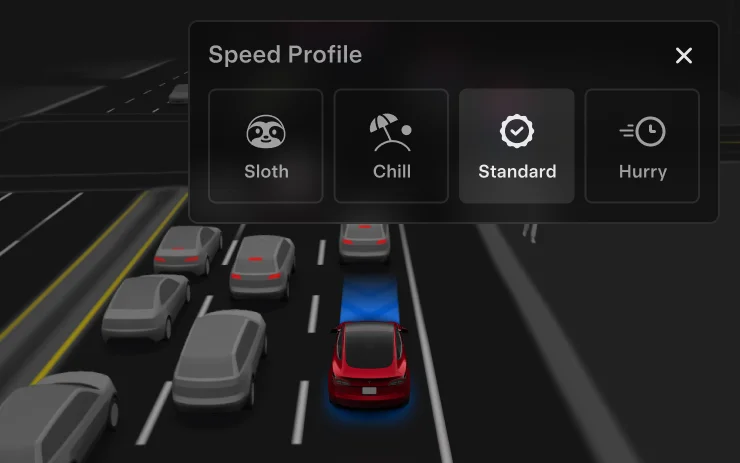
Speed Profiles are now available at all times. The new SLOTH option is described as slower and more conservative about lane selection than CHILL. Driver profile has a stronger influence on behavior, with more assertive settings allowing a higher maximum speed. The right scroll wheel now changes the profile instead of adjusting the precise speed offset. Drivers can also change Speed Profile and Arrival Options from the Self-Driving display on the center screen.
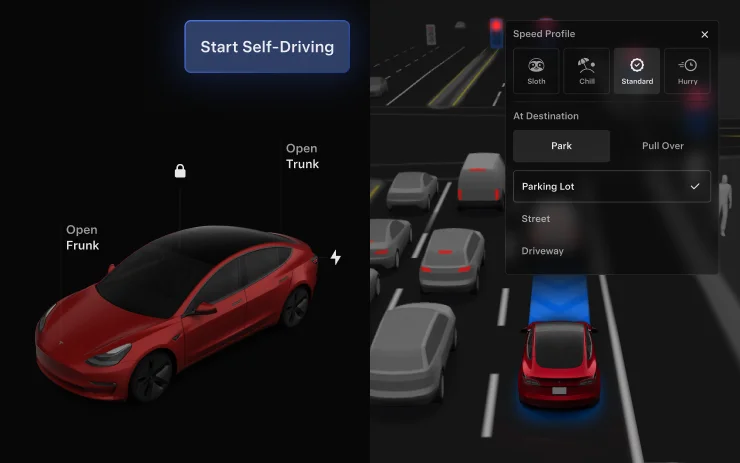
On HW3 Model 3 and Model Y, a Start Self-Driving button appears when driver requirements are met, including being seated and buckled with an unobstructed cabin camera. Brake Confirm can require a press and release of the brake before activation. If that setting is disabled, the system can apply the brakes when the button is pressed, but a brake confirmation may still be required if driver detection conditions aren’t met. Tesla reiterates that a driver must remain attentive and ready to take over.
Charging and daily-use changes
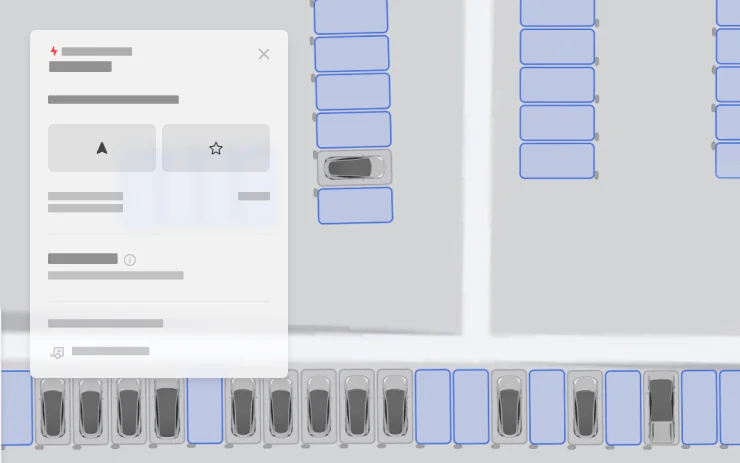
Supercharger Site Maps add a more detailed view at selected locations. Drivers can tap “View Site Map”; when navigating to a pilot site, the layout and live stall status—Available, Occupied or Down—appear upon arrival. The feature is listed for Intel-equipped vehicles, including legacy Model S and Model X, as well as Model 3 and Model Y.
Set Arrival Energy lets drivers choose a desired battery level at the destination from the Tesla mobile app. The path is Location, destination entry, then Set Arrival Energy; it requires app version 4.58.0 or later. The feature is listed for Model S, 3, X, Y and Cybertruck.
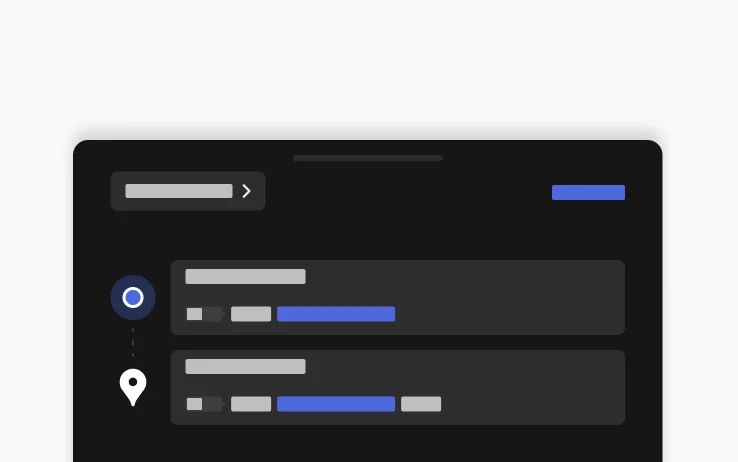
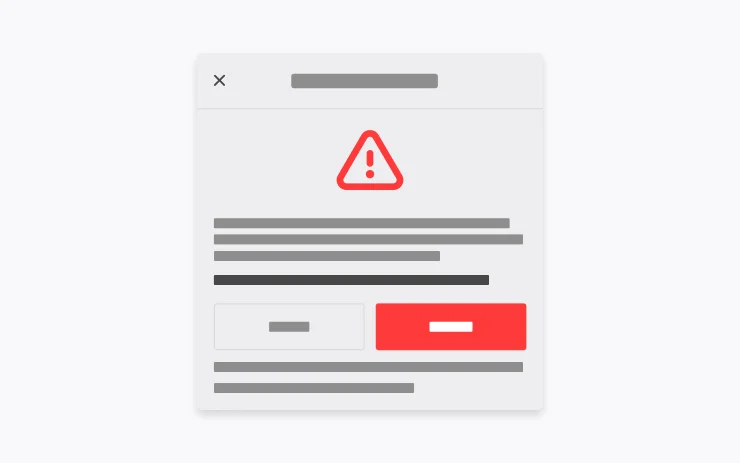
Emergency Drive Away allows a vehicle to shift into Drive while its Supercharger cable remains connected. Tesla says this should be used only in an emergency: pulling away with the cable attached can damage both vehicle and charger, and the driver may be responsible for repairs. Activating the feature shares short camera recordings with Tesla.
Lighting, seasonal extras and smaller changes
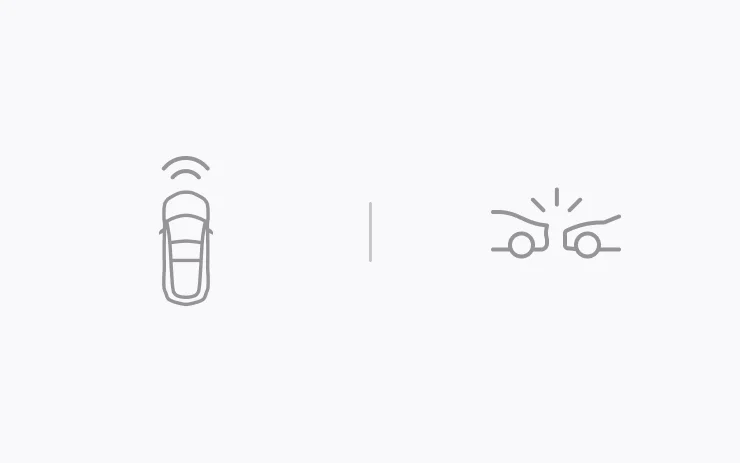
Dynamic Headlight Leveling, for specific Model 3 and Cybertruck vehicles, adjusts low-beam aim according to driving conditions and nearby traffic. Tesla says the goal is to improve the driver’s visibility while reducing glare for others. Automatic Collision Evasion is listed for HW4 vehicles: it can activate FSD (Supervised) during manual driving if the system detects inadequate attention or a possible unintended disengagement, then attempt to keep the vehicle safe and continue driving.

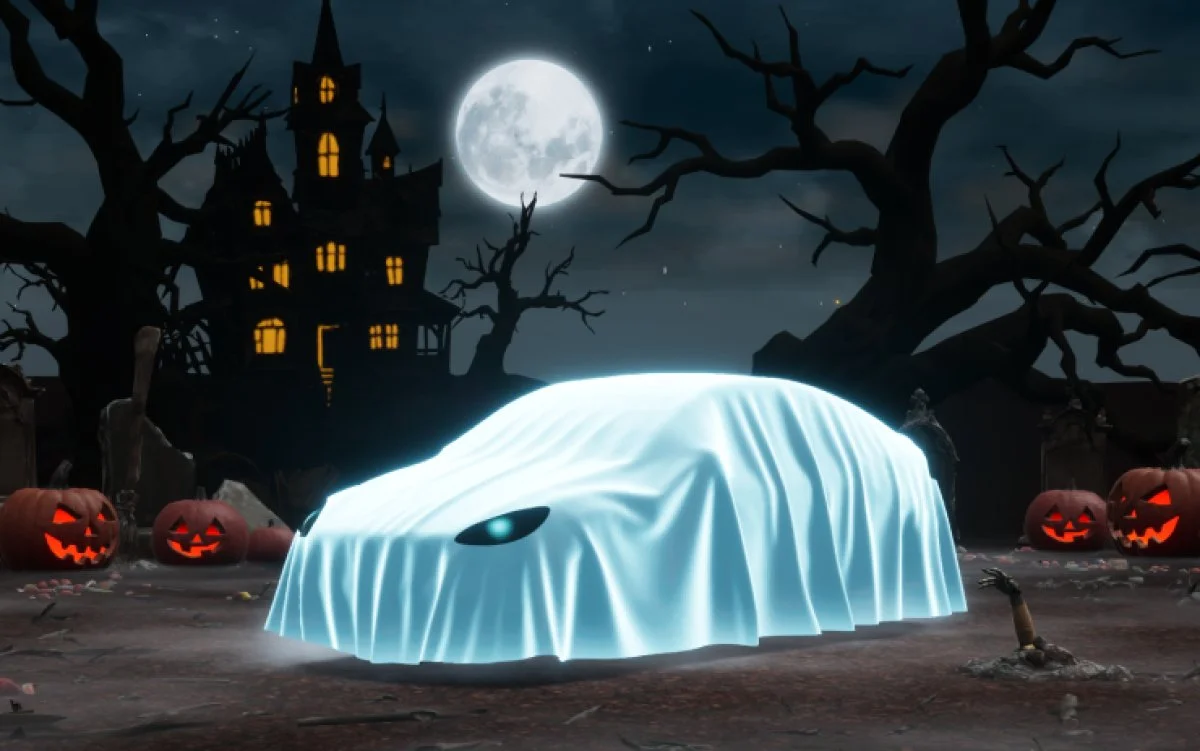
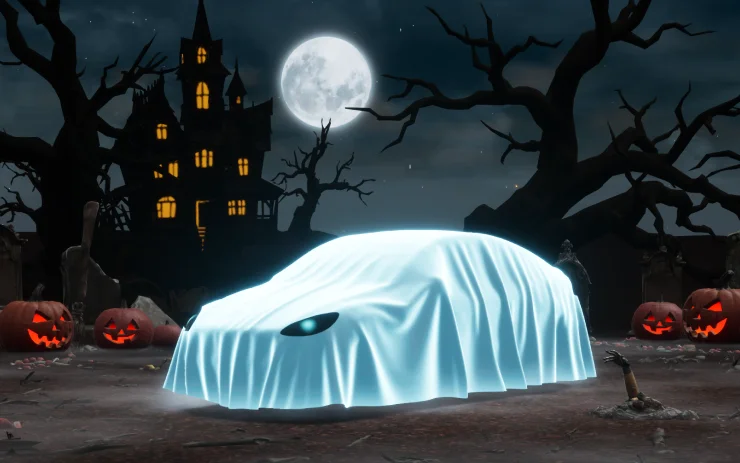
Halloween Mode adds a ghost costume to the vehicle visualization, spooky sounds and flashing lights when visitors approach, scheduled light shows and a photobooth mode. It’s listed for AMD-equipped vehicles worldwide, including selected Model S and Model X versions, Model 3, Model Y and Cybertruck. Intel vehicles receive Halloween wraps and license plates, but not the visualizations, Trick or Treat Mode or lock sound. Photos and videos of Halloween Mode show the seasonal additions.
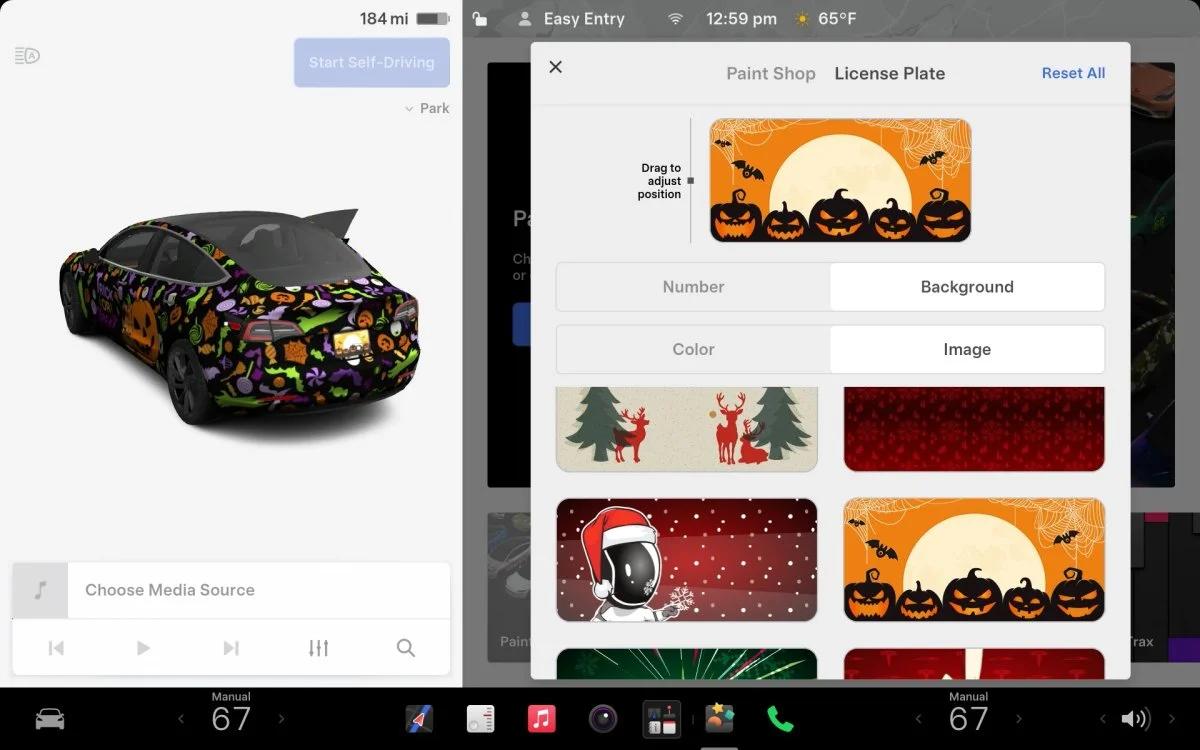
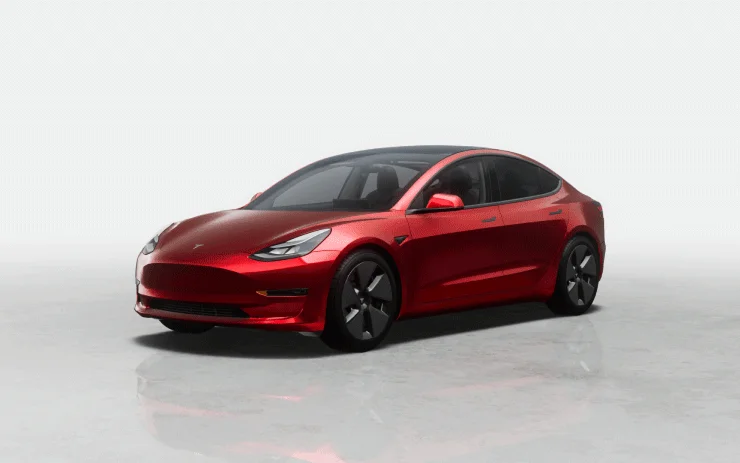
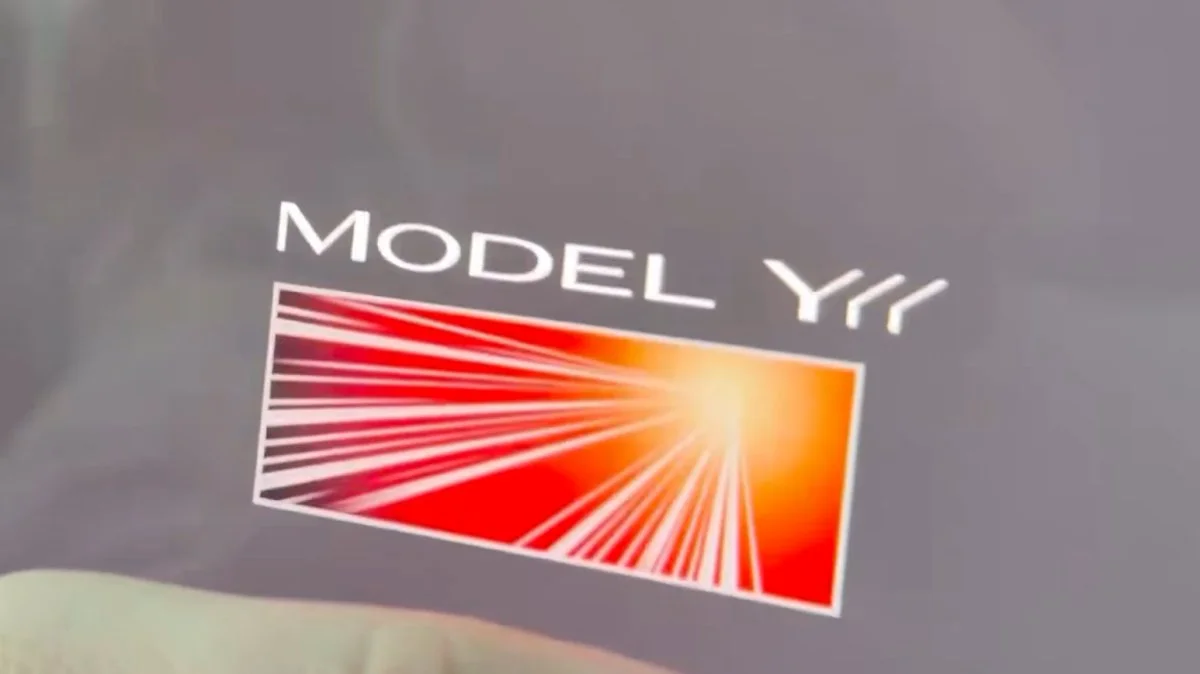
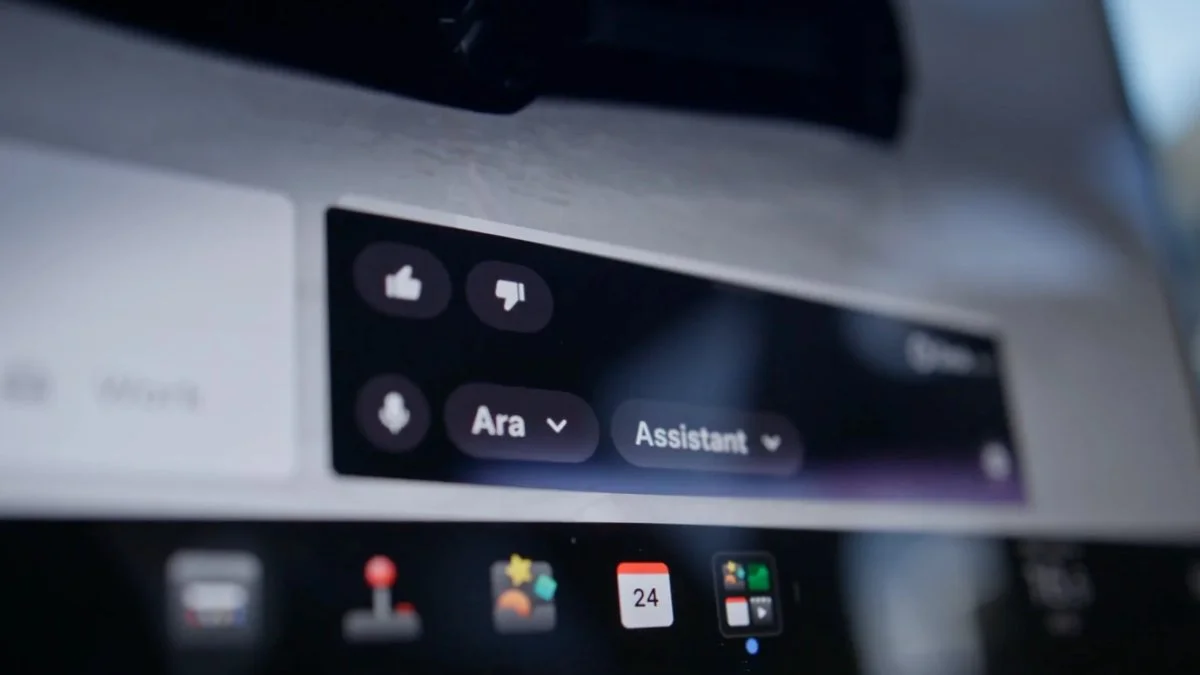
Other changes include higher-quality vehicle images and an enhanced parked scene on the center display for Model 3 and Model Y with AMD or HW3 hardware. Legacy Model S and Model X vehicles with Intel and HW3 gain FSD Streaks support. The Launch Series badge on Model Y L can now be tapped to trigger an animation, and Grok’s beta label has been removed.
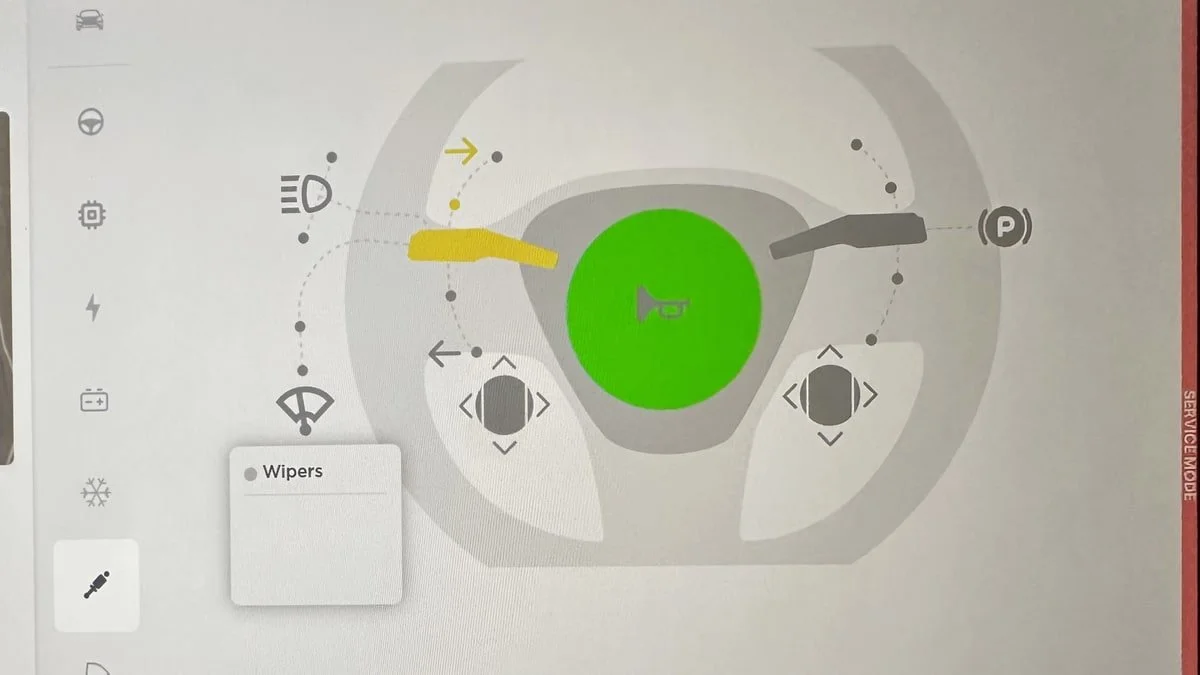
Service Mode gets a touchscreen language shortcut: it saves the customer’s original setting, offers a language choice when the screen language differs from the vehicle’s current country setting, then restores the saved setting on exit. Changing language restarts the interface. The High Voltage panel also adds a popup for isolation-health indicators, showing resistance values and, for unhealthy components, any related alerts or diagnostic trouble codes. These service changes apply across models. The release also includes security fixes and improvements.

The update’s clearest ownership distinction is hardware: HW4 gets the latest FSD model and collision-evasion feature, while HW3 receives Lite plus expanded parking and arrival controls. Charging-site visibility, arrival energy planning and smaller interface changes round out a release whose day-to-day value will depend on the vehicle’s processor and the features its driver uses most.