Tesla FSD v14.3.12 Update Adds Arrival Choices, Speed Profiles and Driving Changes
Tesla’s update revises supervised driving behavior and adds arrival and speed settings, trip energy planning and model-specific features.
Tesla’s 2026.38.5.5 update puts much of its focus on FSD (Supervised), with changes to driving behavior, destination handling and the controls drivers use to shape a trip. Version 14.3.12 also adds features outside supervised driving, including arrival energy planning from the mobile app and expanded service information. The listed FSD additions are for HW4 vehicles; several other features cover a wider range of Tesla models.
FSD changes span driving behavior and driver controls
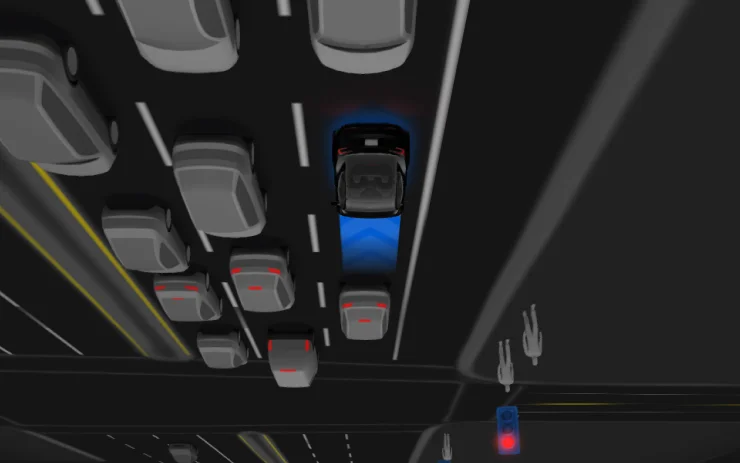
Tesla says it upgraded reinforcement learning in the FSD neural network and revised the vision encoder. The company describes gains across a broad set of driving scenarios, with better interpretation of rare or low-visibility situations, 3D geometry and traffic signs. It also says a rewritten AI compiler and runtime, built with MLIR, delivers 20% faster reaction time and speeds up model iteration.
Other changes target specific driving decisions. Tesla says the system should show less unnecessary lane bias and tailgating, choose parking spots and maneuver into them more decisively, and respond better to emergency vehicles, school buses, vehicles that fail to yield and other rare traffic. Training focused on harder examples for small animals and unusual objects that extend, hang or lean into the vehicle’s path. Complex traffic lights, curved roads and stopping at yellow lights also received attention using examples drawn from the Tesla fleet.
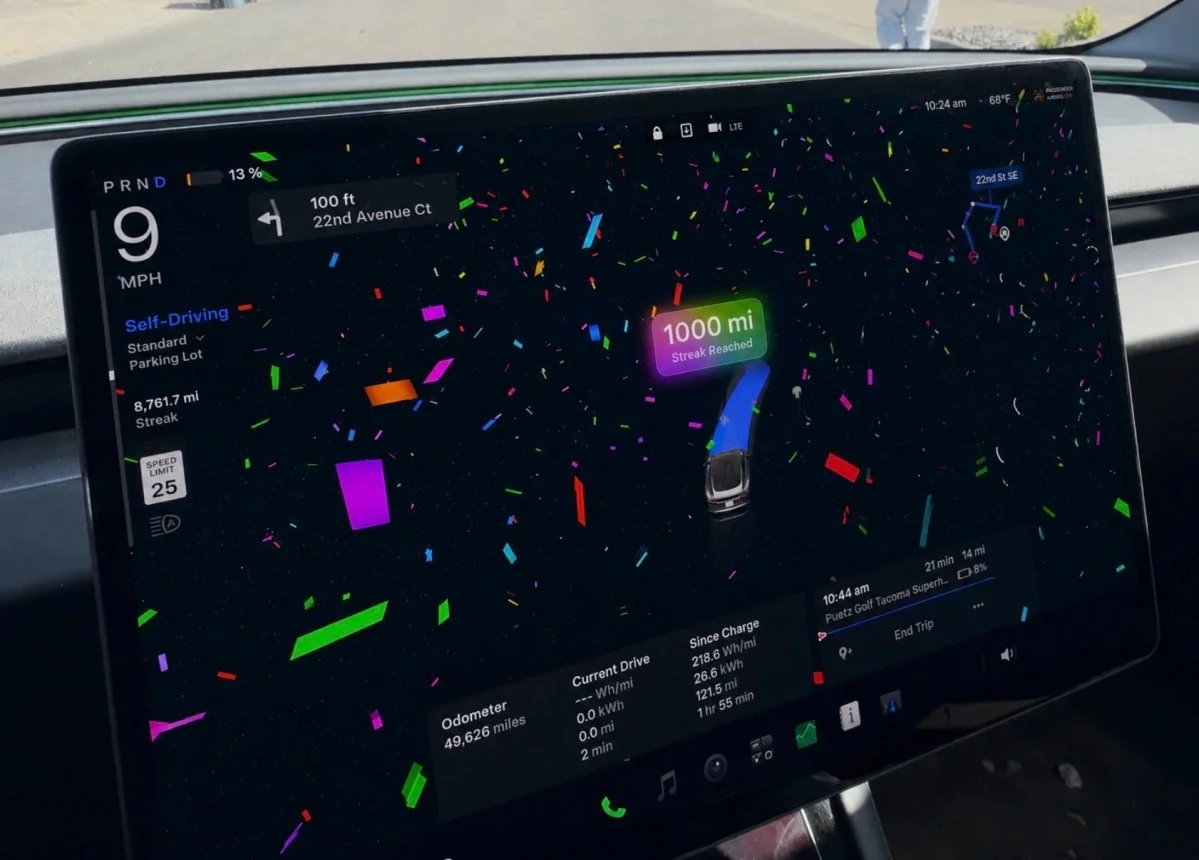
For temporary system degradations, Tesla says FSD can maintain control and recover automatically, reducing unnecessary disengagements. Driver monitoring has also been adjusted, with improved eye-gaze tracking, handling of eyewear and performance in changing light. Drivers can select an intervention reason on the main screen after taking over. The Self-Driving app now records distance traveled without intervention and the longest such streak.
Tesla lists broader reasoning beyond destination handling and pothole avoidance as future improvements. Those items are described as upcoming, with no timing given.
Arrival choices and speed profiles
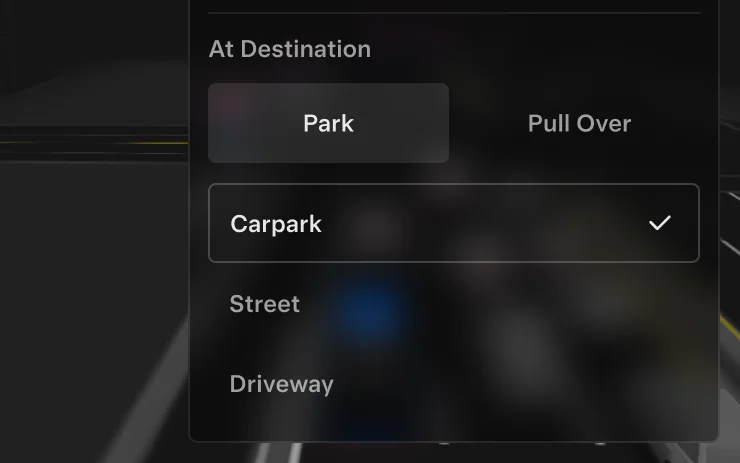
Drivers can choose an arrival type for drop-offs: Carpark, Indoor Carpark, Street, Driveway or Pull Over. The selection affects the navigation pin, and preferences for arrival type and parking position are saved for each destination. Tesla says its reasoning model assesses which choices suit a destination and selects a default.
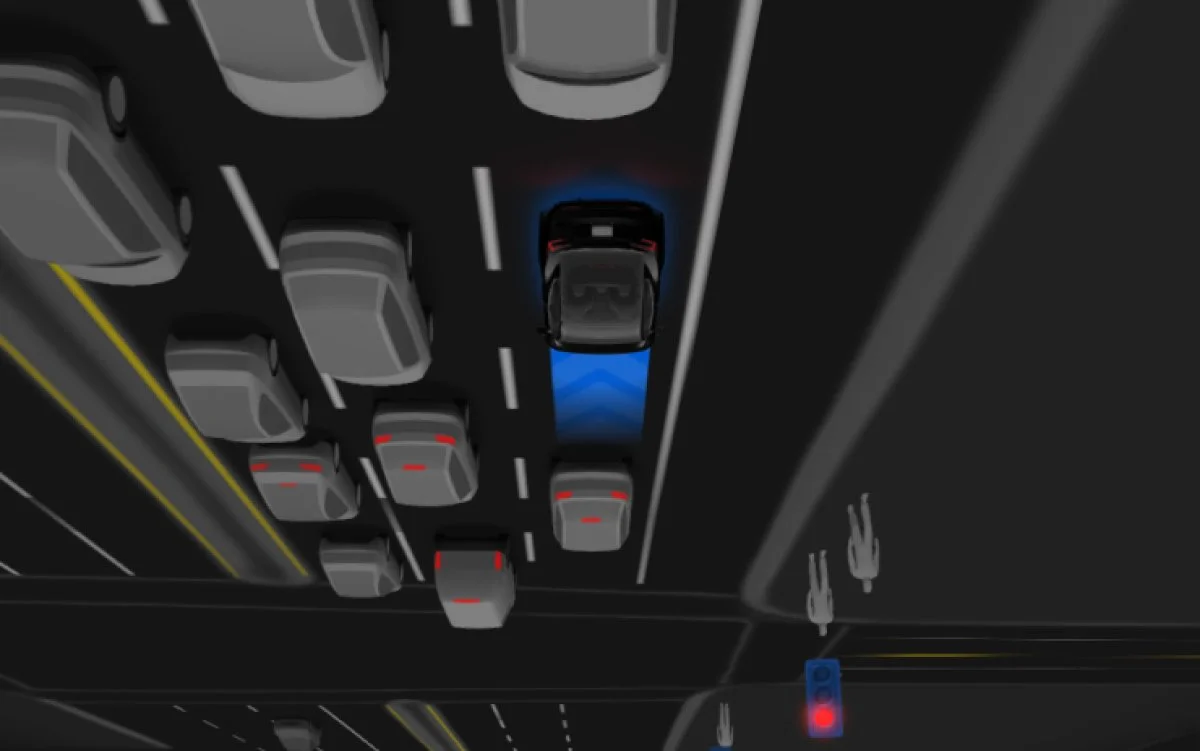
Speed selection now draws on the driver profile, speed limit and surrounding traffic. Profiles have more influence over behavior: a more assertive setting raises the maximum speed. The right scroll wheel changes the Speed Profile setting instead of adjusting the precise speed offset in mph or km/h. Two profiles extend the range: SLOTH is slower and more conservative about lane selection than CHILL, while MAD MAX allows higher speeds than HURRY.
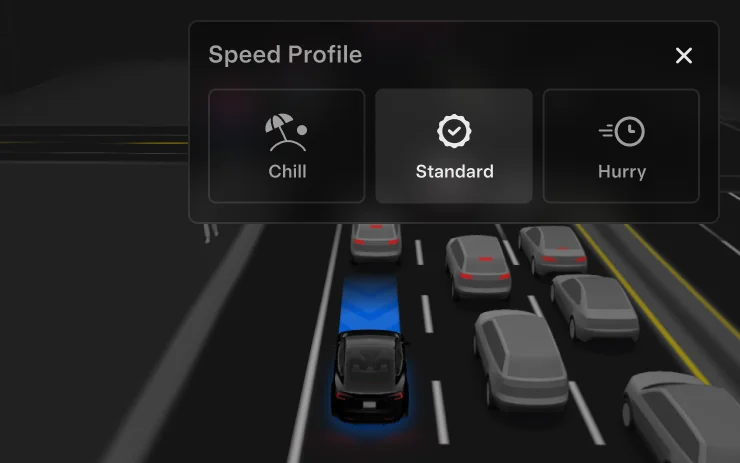
Parking options now appear on the map when the car reaches a destination. Drivers can also start Self-Driving with a touchscreen tap from Park or during a drive, see driving statistics under Controls > Self-Driving, and adjust Speed Profile and Arrival Options from the center display’s Self-Driving visualization.
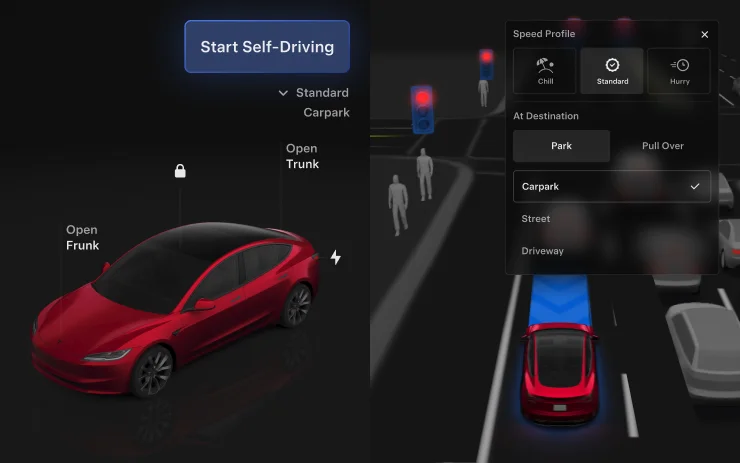
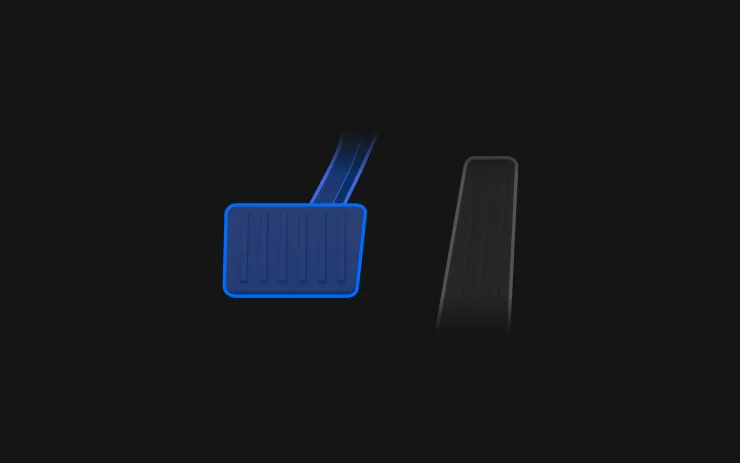
Brake Confirm is off by default for the Start Self-Driving button. With it disabled, engagement no longer requires pressing and releasing the brake as confirmation. Drivers can turn the setting on under Self-Driving > Brake Confirm.
Trip planning and model-specific additions
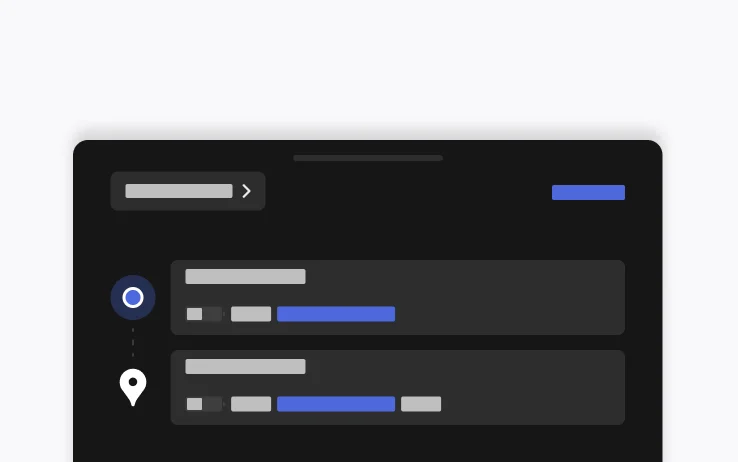
Owners can set a desired arrival energy level for a trip in the Tesla mobile app. In the location tab, enter a destination and choose Set Arrival Energy. The feature requires app version 4.58.0 or later. This adds an energy target to trip setup from a phone, alongside the new arrival and parking choices in the vehicle.
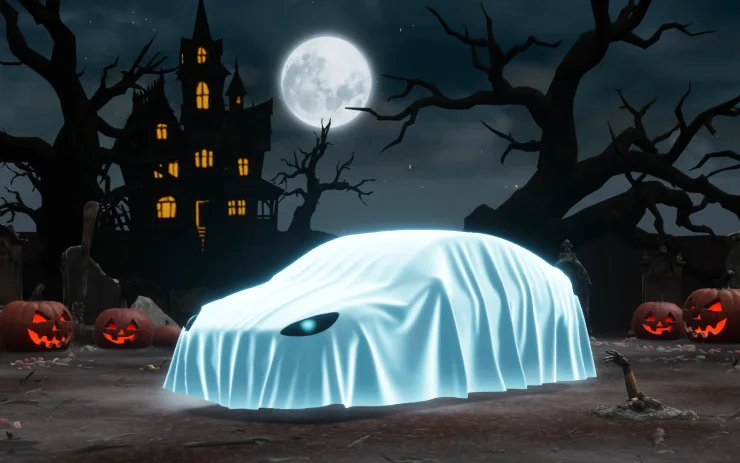
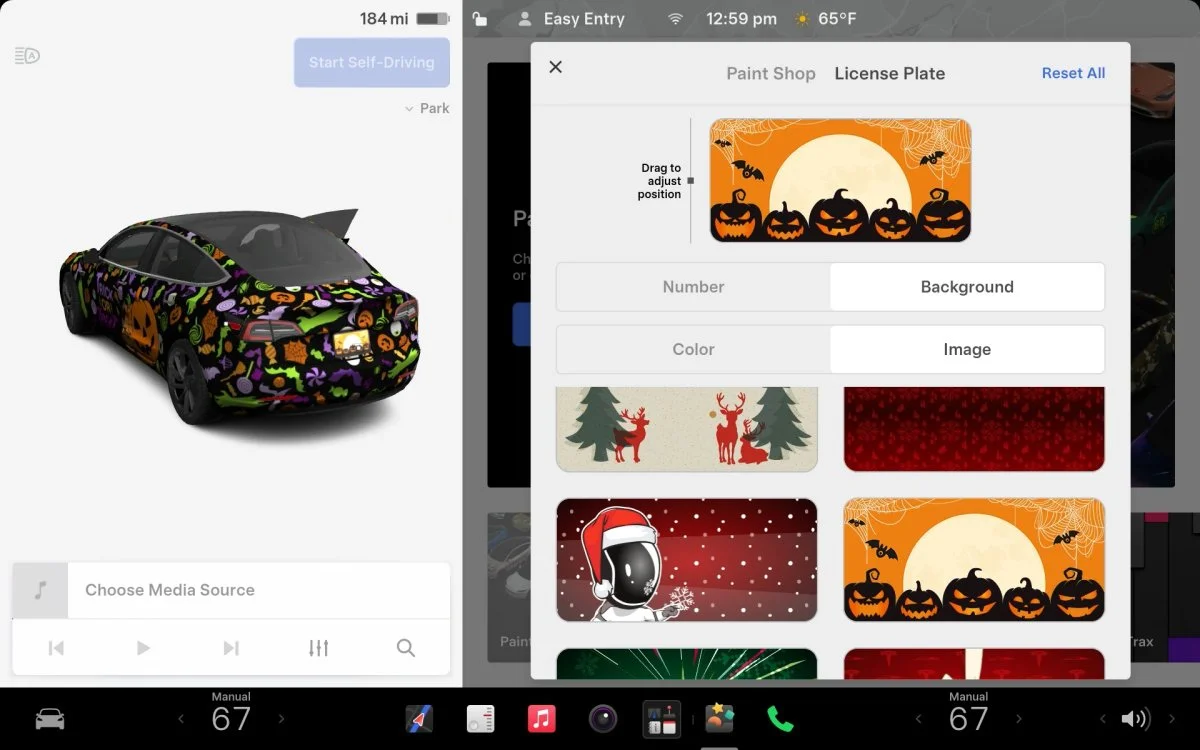
Halloween Mode is available worldwide on AMD-equipped Model S, 3, X, Y and Cybertruck vehicles. It adds a ghost costume to the car visualization, spooky sounds and flashing lights in Trick or Treat Mode, scheduled light shows and a themed Photobooth. Intel vehicles receive Halloween wraps and license plates, but not the visualizations, Trick or Treat Mode or lock sound.
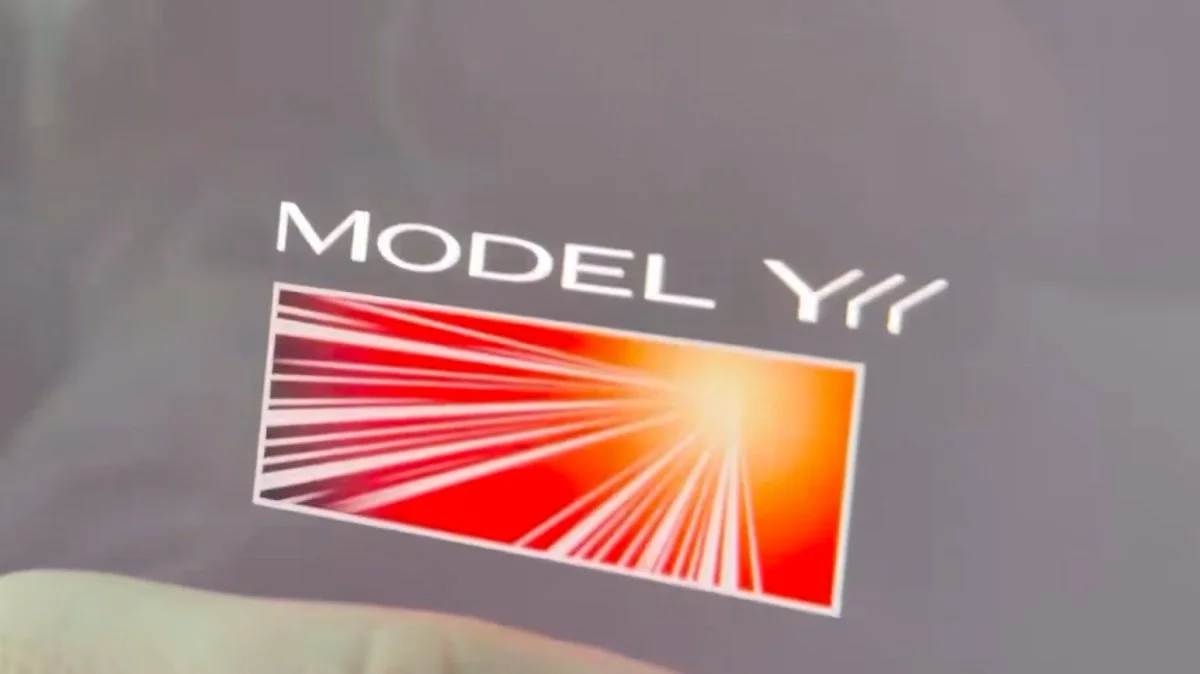
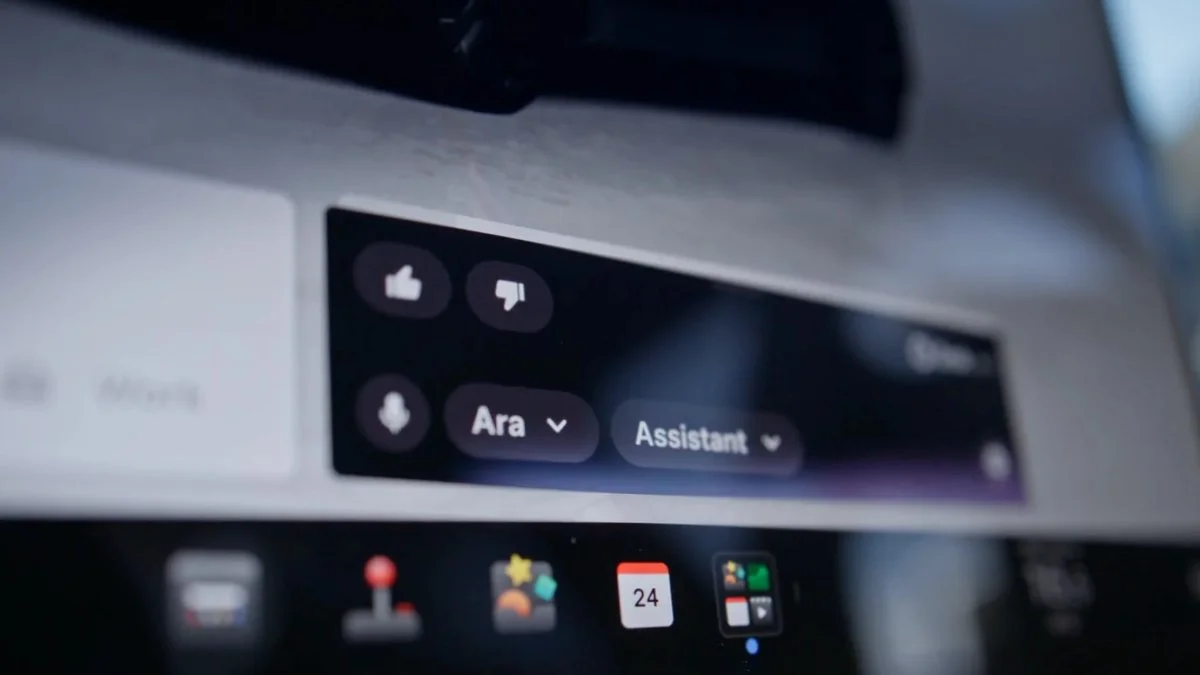
Legacy Model S and Model X vehicles with Intel and HW3 gain FSD Streaks support. A separate addition for the new Model Y L animates its Launch Series badge when tapped. Tesla also removed the beta label from Grok.
Service tools and security
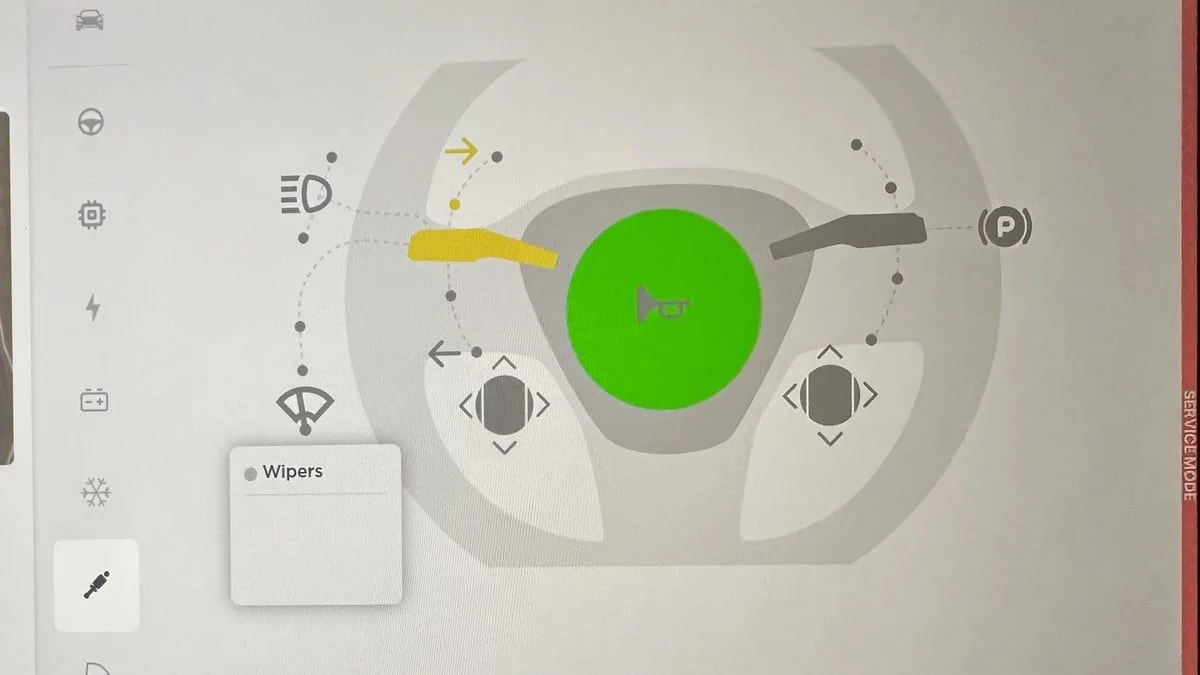
Service Mode now saves the customer’s original touchscreen language. If it differs from the default language for the vehicle’s current country, a button displayed in English lets the user choose a language for the service session. The original setting returns when Service Mode ends; changing the touchscreen language restarts the user interface.
The High Voltage panel adds a popup for each isolation health indicator. A healthy component displays its current isolation resistance values. For an unhealthy component, the popup also shows any isolation alerts or Diagnostic Trouble Codes present on the vehicle. Tesla says the update includes security fixes and improvements across its listed models.

The practical measure of v14.3.12 will be how consistently its revised decisions hold up across varied roads and destinations. For owners, the clearest immediate changes are more adjustable arrival and speed settings, plus better access to trip and intervention information.